1
From Event Management, open Program.
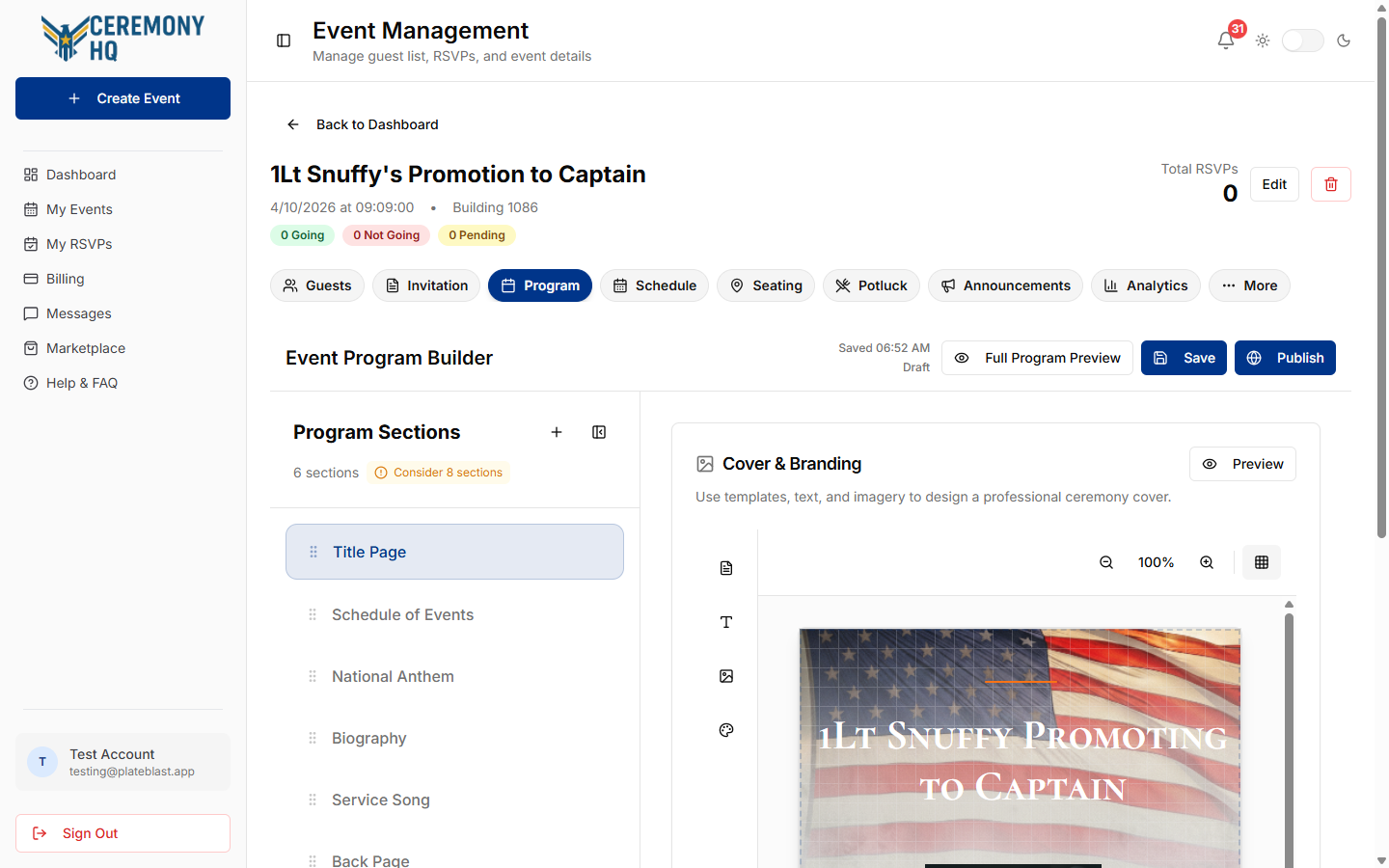
Program Builder opens with section navigation and the active editor pane.

Event Program Planner is the workspace for building your ceremony program content. It combines section editing, cover design, and preview tools in one flow. You can try the builder free. Publishing and PDF downloads require an individual event purchase or an active CHQ+ subscription. The CHQ+ badge identifies included features; AO Vault contains the subscription's ceremony planning and document tools.
Build and maintain ceremony program content in one editor before publishing.
Program Builder opens with section navigation and the active editor pane.
Section navigation lets you move through schedule, content, and design pages.
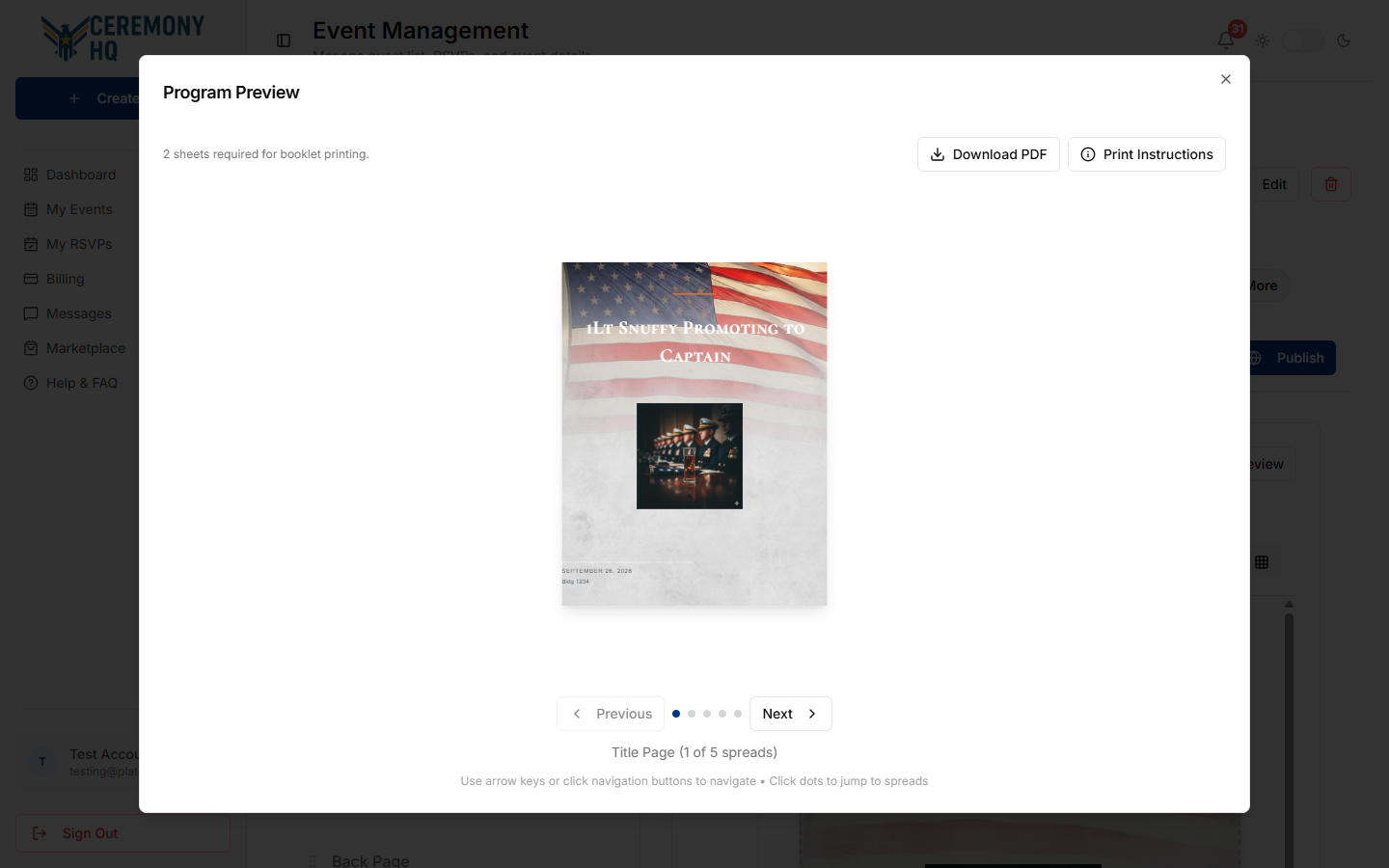
Preview opens a section-level view so you can validate formatting before publishing.